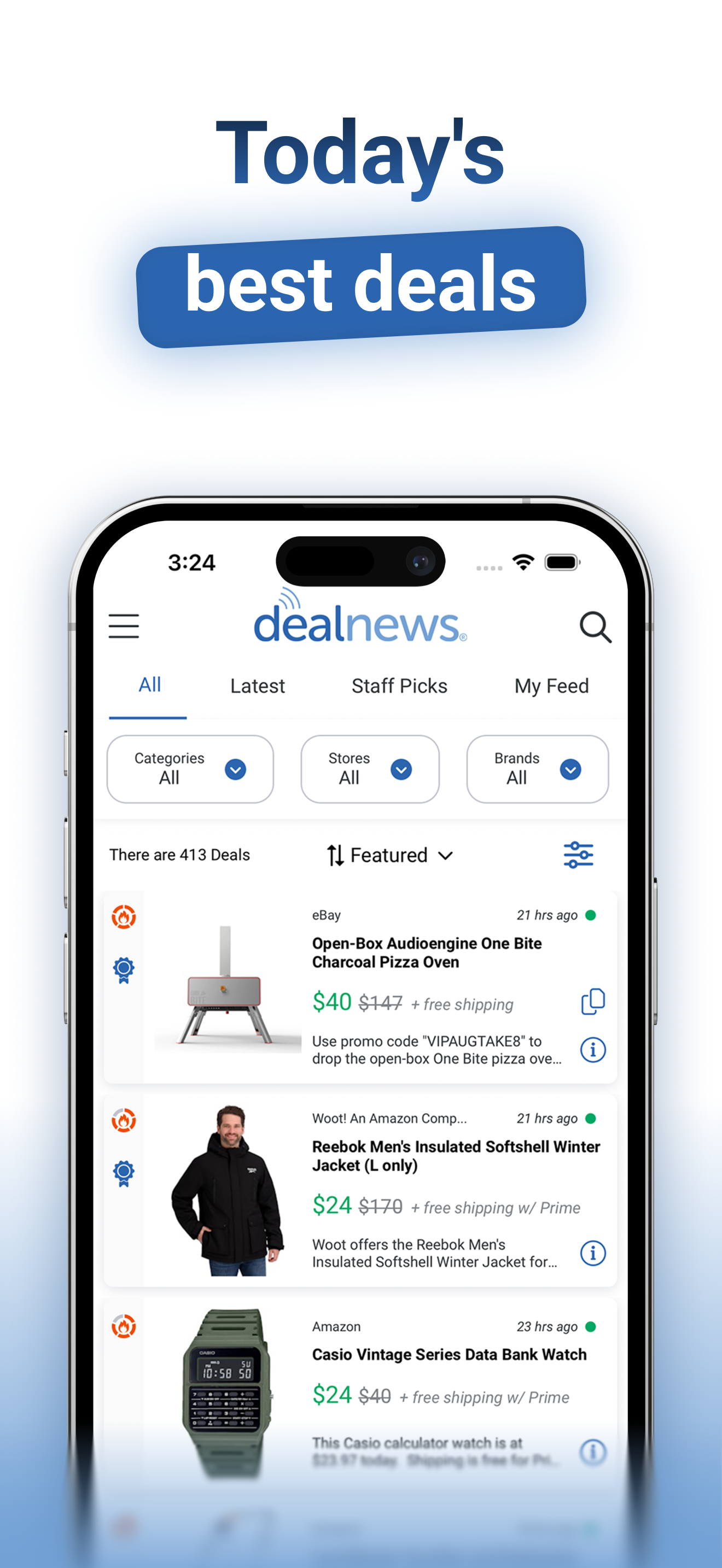
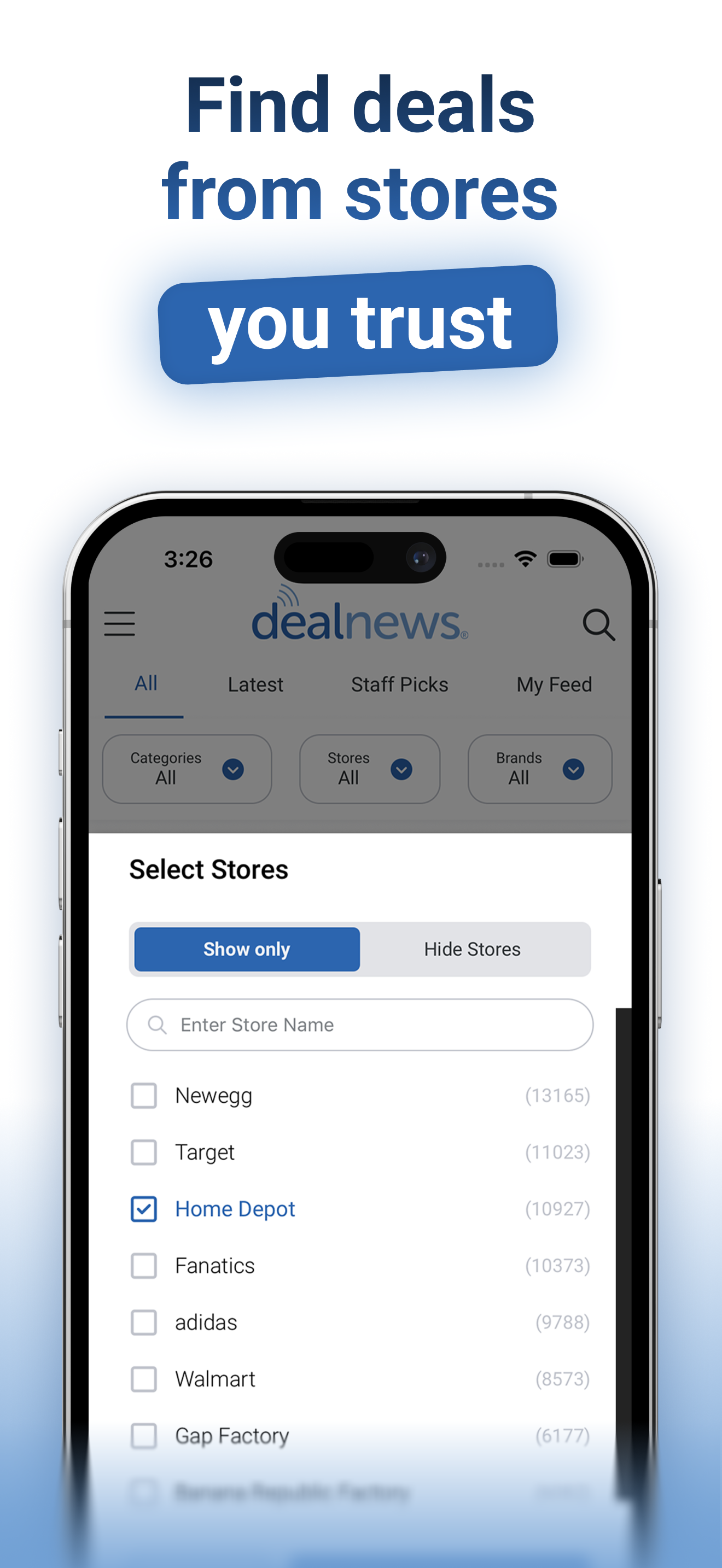
dealnews App
Do you wish to carry dealnews around in your pocket? Well, now you can! Introducing the new and improved dealnews mobile app.Brought to you by dealnews, named One of "the Top 100 Most Useful Sites on the Internet" by MSN Money, the dealnews app lets you browse over 100 deals a day from over 2000 online retailers. Not only can you search the latest deals on your phone, but the dealnews app also lets you set up alerts so you'll never miss the lowest price on your favorite items. more…
Black Friday App
Everyone knows that Black Friday is a great day to get amazing deals. Some people wait for it all year long, while others seek out Black Friday-like deals every day. With Black Friday App, you can do both!Brought to you by dealnews, named "Best Black Friday Web Site of 2009" by both PC World and PC Magazine, Black Friday App lets you browse "leaked" ads from over 60 major retailers. Black Friday App also keeps you up-to-date on deals that are as good as, or better than, the best deals on Black Friday. more…
Browser Extensions & Add-Ons
Never miss a bargain again. Take dealnews with you, wherever you go, as you browse and shop online. This browser add-on will automatically find coupons for the sites that you visit most frequently, without interrupting your shopping experience.How does it work? Here's a quick step-by-step breakdown:
1. Browse Your Favorite Sites. While browsing your favorite sites, a notification will appear informing you of how many coupons and deals are currently available for that site.
2. View the Coupons and Deals. For Firefox, once the notification appears, just click "View Deals" to expose the coupons and deals in a convenient sidebar. Chrome users can simply click on the dealnews icon, at the top of the browser.
3. Activate Offer or Clip Coupon Code. Using many of these coupons is as simple as one click. You'll either see "Activate" or "Copy Code" buttons next to each coupon. Clicking the "Copy Code" button will save the code to your clipboard (making it easy to paste the code once you're ready to place your order). Clicking "Activate" will take you straight to the deal on the site. If the coupon is for "in-store only" purchases, you may be presented with a downloadable coupon.
4. Check Out and Save Money. Once you're ready to place an order, if the coupon has not already been automatically applied to your shopping cart, you can easily paste the code, where applicable. The only thing left to do is place your order and enjoy the savings.
I agree to the terms of the